
Boat maintenance software for fleets, yacht managers and marine workshops
Engine hours, due dates, checklists, recurring jobs that create themselves and a full service history for every vessel, whether you're on the pontoon or in the office.
Captain Crews is boat maintenance software for the businesses that keep boats running: charter and rental fleets, clubs and sailing schools, yacht management companies and marine service workshops. It keeps a maintenance log for every vessel, tracks engine hours and due dates, and creates recurring jobs on schedule so nobody has to remember them. Every job is recorded from checklist to photos and filed in the boat's history, and owners see the work on their own boats, with the reports and photos you've approved. Think of it as yacht maintenance software sized for small and mid-size fleets, rather than a planned maintenance system built for a large superyacht.
A maintenance log for every vessel, written by the work itself
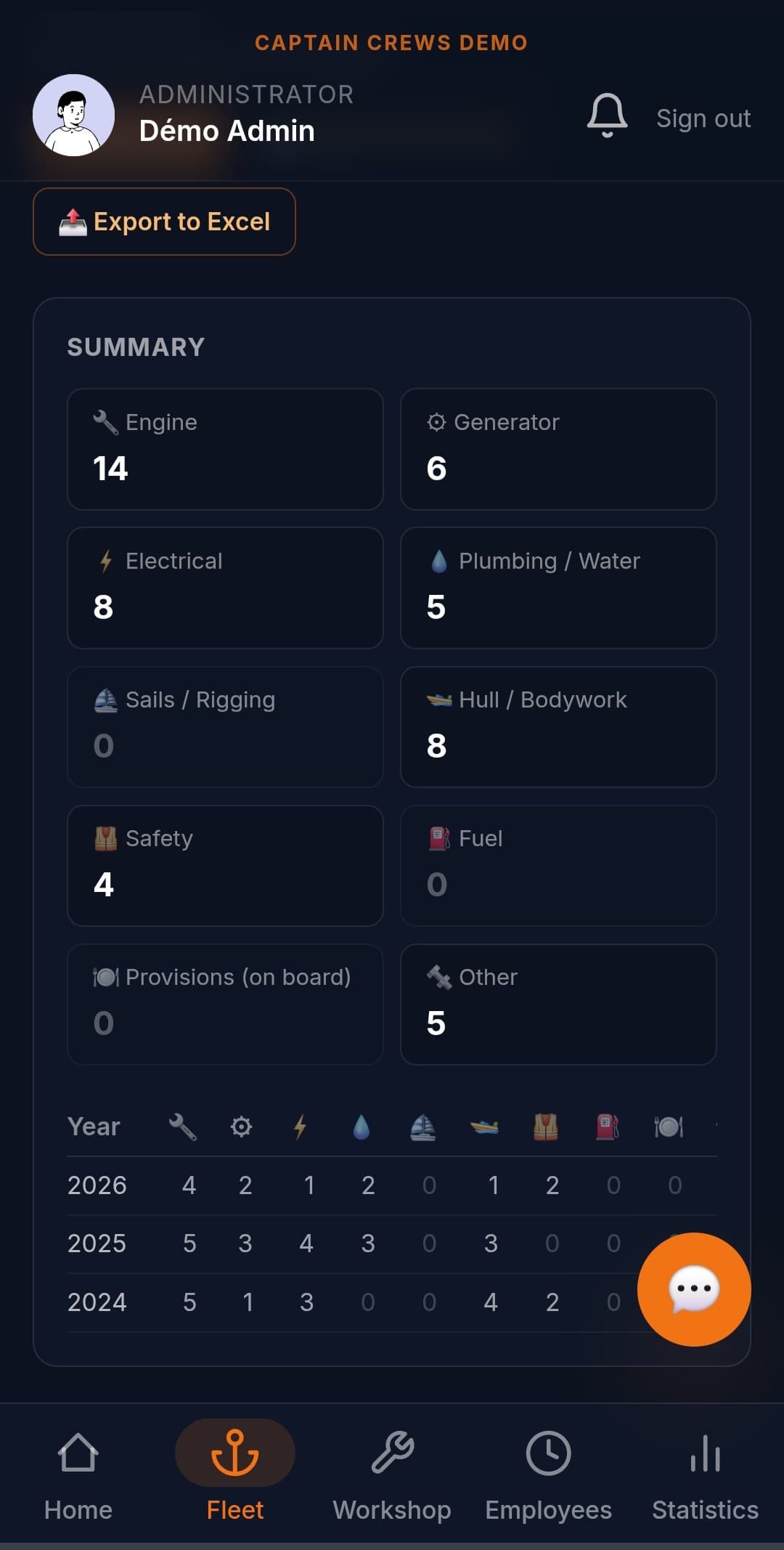
When a job is marked done, it lands in the vessel's maintenance log under its category. Nobody has to copy it into a spreadsheet later: closing the job is the record. Work carried out before you started with Captain Crews, or by an outside contractor, can be added with its real date, so the log covers the whole boat and not just what went through your workshop.
- Standard categories (engine, generator, electrical, plumbing and water, sails and rigging, hull, safety…) with a year-by-year summary
- Category suggested from the job title and required at close-out, so the log stays sortable
- Past work added by hand with its date, without going through the workshop flow
- Existing history imported from Excel (date, boat, category, description), several boats in one file
- Excel export of a vessel's maintenance log for a buyer, surveyor or insurer who asks for it
Engine hours: one service threshold per engine, flagged before it's due
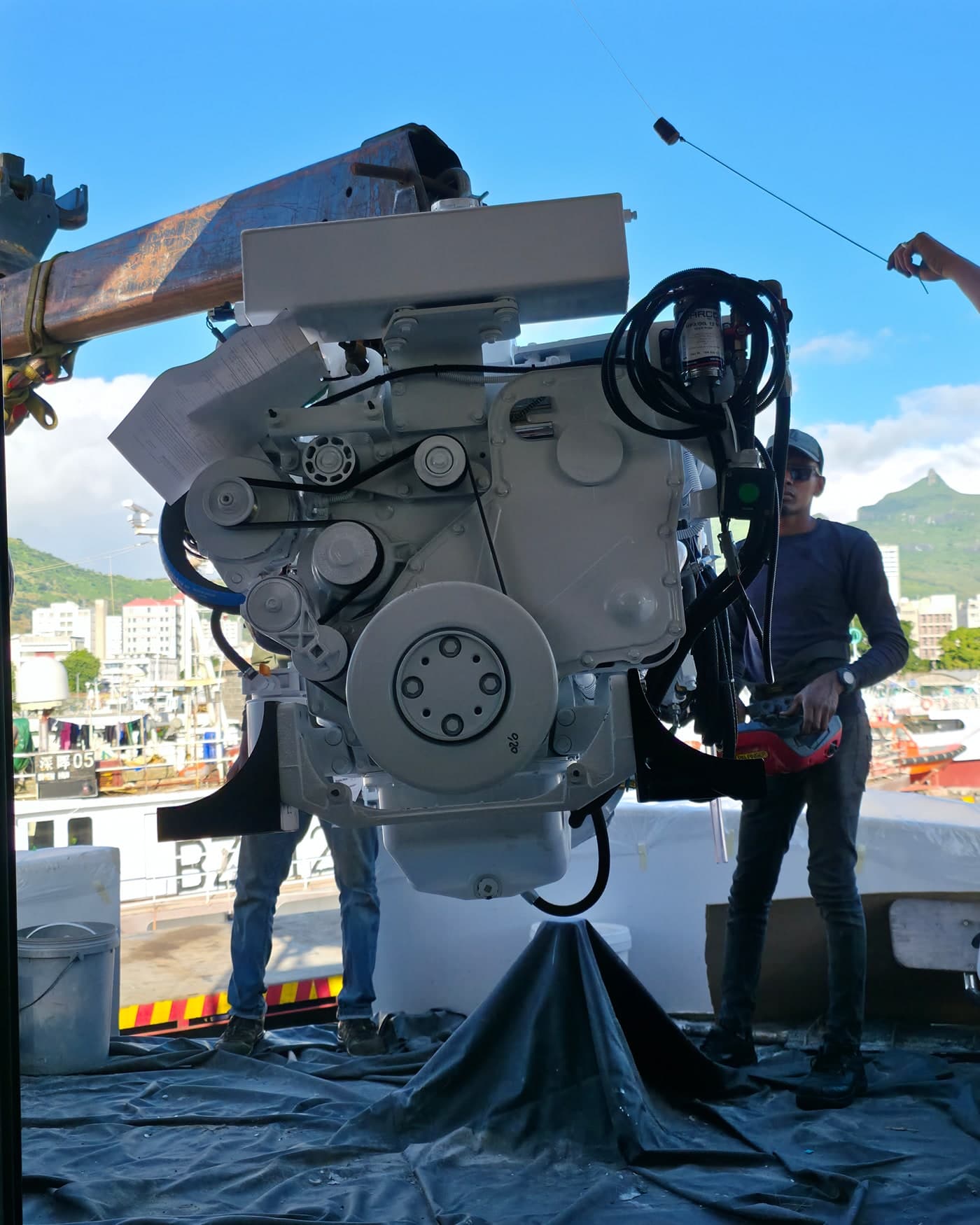
A vessel can carry several engines: propulsion, generator, auxiliary. For each one you set the next service in hours and what it involves, taken from the manufacturer's schedule. The hour counter moves when a technician enters a reading in a job checklist: a "port engine hours" step linked to the port engine updates its counter, with nothing to retype on the boat record.
- Engine record: make, model, horsepower, serial number, transmission and propeller references
- Next service threshold and label per engine, for example an oil change at 250 hours
- Green badge, orange within 100 hours of the threshold, red once it's passed
- At most two notifications per cycle, due soon then overdue, never a daily reminder
- Setting the next threshold after a service starts a fresh alert cycle
Due dates and safety gear on a single Deadlines screen
Maintenance runs on dates too: extinguishers to service, a liferaft and its hydrostatic release, an EPIRB, handheld flares, a first aid kit, and documents that expire. Each vessel has a safety register listing that equipment item by item, and the Deadlines screen pulls together everything coming due across the fleet, most urgent first.
- One line per item: location on board, make and model, serial number, expiry date
- Alert lead time set item by item, or a company-wide default
- "Mark checked today" records the check date and the new expiry in one step
- Deadlines screen: documents, safety gear and engine thresholds for the whole fleet, sorted by urgency and printable
- Documents read by AI, which suggests the expiry date for a person to confirm
Work templates: recurring maintenance that schedules itself
A weekly engine flush on the rental boats, a monthly battery check, the annual lay-up: any job that repeats is written once. You set up a work template, pick the vessels and who looks after each one, then choose the cadence. Each period, Captain Crews creates the matching workshop jobs on its own, in your company's time zone, and each person finds theirs in the workshop list.
- One template: title, maintenance category, notes and checklist
- One job per vessel, each with the person responsible
- Weekly, monthly or annual cadence on the day you choose, or run it by hand
- Reading steps tied to an engine role (port, starboard, generator) and matched on each vessel
- Time spent required at close-out, so you know what each routine job really takes
Job sheets, photos and owner access: maintenance you can prove
On the pontoon, the technician works through the checklist on a phone, checking or skipping each step, adding comments and photos, attaching a quote or an invoice. The job can't be marked done until every step has been dealt with. Back in the office, reports and photos only reach the owner once you've approved them, and a dated job assigned to your team appears on the vessel's calendar.
- Steps checked or skipped (admins see what was skipped), with a comment on any step
- Dated photos, quotes and invoices attached to the job, fitted parts noted on it
- Work assigned to a staff member, the owner's crew or an outside contractor
- Discreet mode keeps a diagnosis internal until you choose to make it visible
- Owner service requests: accept them or propose other dates
- PDF job sheet ready to print and sign (technician and owner boxes), from the Export screen
Frequently asked questions
What is boat maintenance software, and is it the same as a yacht PMS?+
Boat maintenance software plans and records the upkeep of a fleet: a record per vessel, engine-hour thresholds, dated deadlines, checklists and a job history. Planned maintenance systems built for large commercial yachts usually add ISM safety management and crew hours of rest. Captain Crews does the first job, for small and mid-size fleets and the companies that service them. It does not handle ISM documentation or hours of rest.
How do I stop missing engine services?+
Set the next service in hours for each engine, for example an oil change at 250 hours, following the manufacturer's schedule. The engine turns orange within 100 hours of that threshold and red once it's passed, with one notification at each stage. Hour readings entered in job checklists keep the counter current, and the Deadlines screen lists every engine threshold across the fleet.
Can recurring maintenance be scheduled automatically?+
Yes, with work templates. Write the job once (title, category, checklist), then choose the vessels, who handles each one and the cadence: weekly, monthly or annual. Captain Crews creates each period's workshop jobs by itself. If periods pile up unfinished, the workshop groups them together, so an overdue routine stays visible without burying everything else.
Does Captain Crews manage spare parts inventory?+
No. Fitted parts are noted as free text on each job and stay in the vessel's history, and supplier invoices are read automatically and filed against the boat. There is no stock count, no reorder level and no purchase order. If parts inventory is central to your business, keep a dedicated tool alongside it.
Can we bring in our existing maintenance history?+
Yes. Your fleet imports from an Excel file, with a preview before anything is saved. Maintenance history imports from Excel too (date, boat, category, description), several boats in one file, and any older job can be added by hand with its real date. You start from a log that's already filled in, not a blank page.
Related guides
Try it on your own boats
Free 30-day trial, no credit card required, then from €7 per user per month. Import your vessels, set your engine-hour thresholds and create your first work template.