
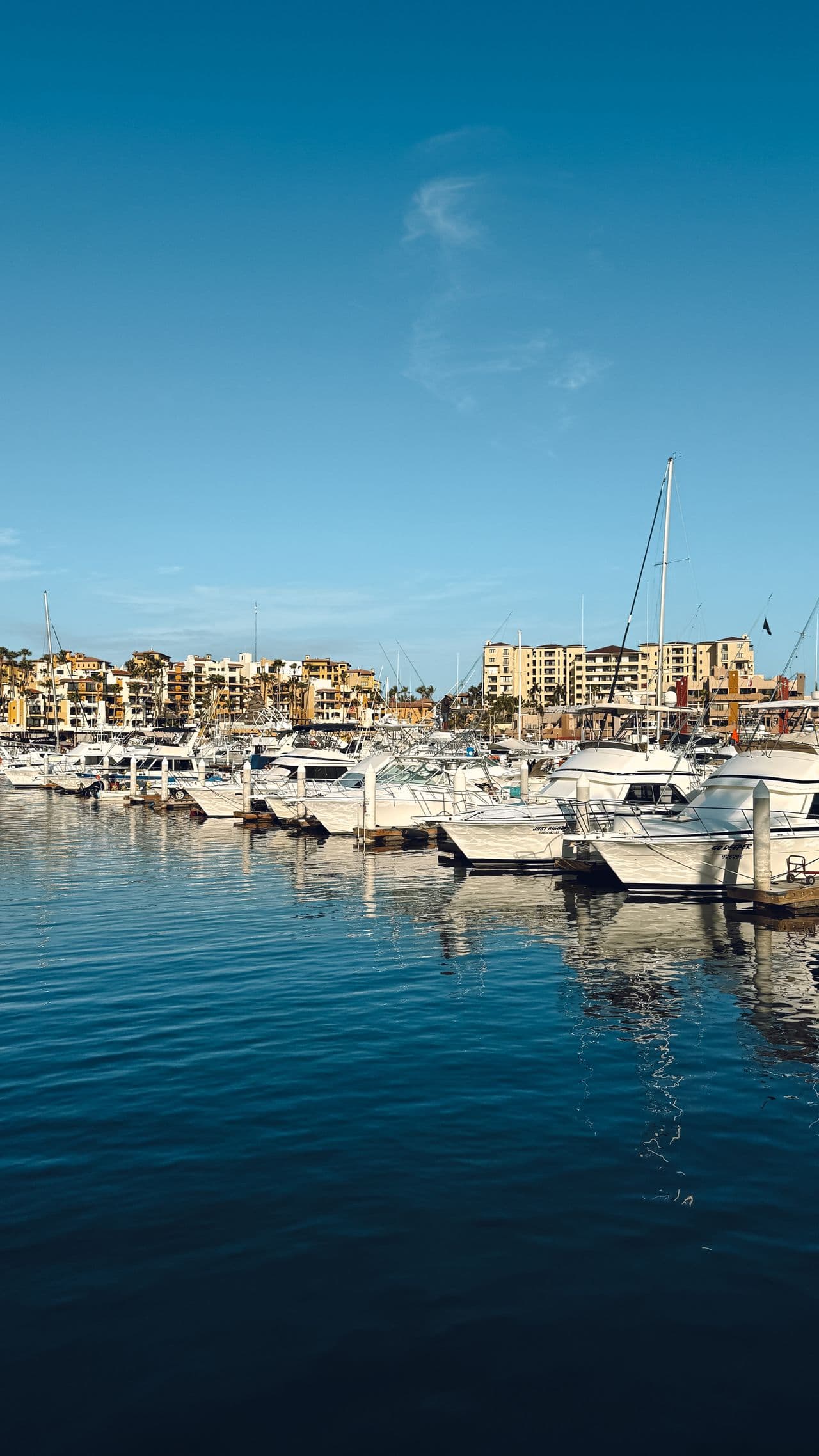
Charter fleet maintenance software for the work between two charters
Turnaround checklists, engine-hour thresholds, damage reports, fuel and your base team's hours, boat by boat. Bookings, contracts and payments stay in the system you already use.
Captain Crews is charter fleet maintenance software for the people who keep a charter base running: the base manager, the technicians, the pontoon and cleaning team. Bookings, contracts, deposits and agencies stay in your charter booking system, such as Booking Manager or NauSYS; Captain Crews takes the other half of the job. Each boat has its record, its engines and their hours, its safety gear and documents with due dates, and a full maintenance history. Turnarounds run from a checklist on the technician's phone, damage found at a return reaches the right people, recurring checks create themselves, and the team's hours and fuel are recorded against each boat. One thing to know before you read on: Captain Crews has no connection to your booking system, so the charter dates your team needs are entered in Captain Crews.
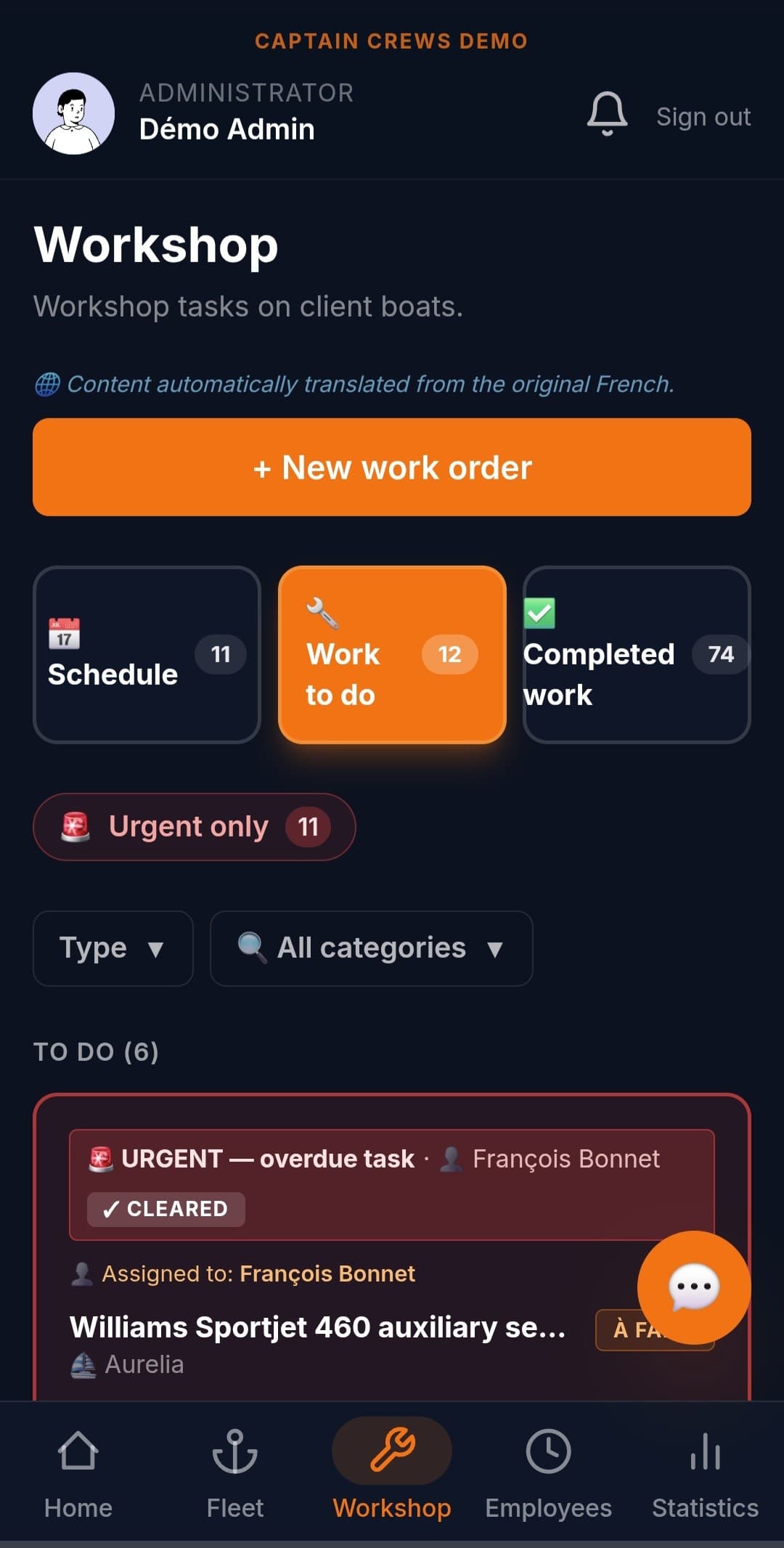
Beside your booking system, not instead of it
A charter booking platform sells the week, issues the contract, takes the deposit and talks to the agencies. It rarely tells the base which impeller to change before Saturday. Captain Crews stays on the technical and team side and does not try to replace Booking Manager, NauSYS or any booking engine. Your office enters the charter periods on each boat's calendar, or only the turnaround days if that is all the base needs. From there, your team sees which boats are out, which are coming back and which are blocked by planned work, and the people looking after a boat are told when a booking on it is confirmed.
- Charter periods entered on each boat's calendar, with times and a note
- Planned work can block the boat on its calendar, and an overlap is flagged before saving
- A fleet planner and an availability search across the whole base
- Each boat's status for the day, from your entries and the calendar: available, reserved, work order or under maintenance
- The boat's maintenance contacts notified when a booking on it is confirmed, so preparation can start
Turnaround checklists your technicians run from a phone
Write the turnaround once as a work template: a title, a maintenance category and the checklist, for example cleaning, engine checks, safety kit counted, tender and outboard, gas, water and fuel. When boats come back, the office launches the template on those boats with the planned date, and unticks any that are staying out. Each boat gets its own job. On the pontoon, the technician checks or skips each step, adds comments and dated photos, and the job can only be marked done once every step has been dealt with. A step can carry an engine-hours reading that updates that engine's counter, and, unless you switch it off for a template, the time spent is asked for at close-out, so you learn what a turnaround really takes.
- One template per routine: turnaround, end-of-week check, pre-season commissioning
- Launched on the boats you pick, with a planned date, one job per boat
- Steps checked or skipped, with comments and dated photos from the phone
- Engine-hours steps matched to each boat's engines: port, starboard, generator
- Time spent asked for at close-out, switched on by default for every template
Engine hours and service thresholds, engine by engine
A charter catamaran often carries two engines and a generator, and a busy season adds hours quickly. For each engine, you set the next service in hours and what it involves, following the manufacturer's schedule. Readings taken during turnarounds keep the counter current, with nothing to retype on the boat record. The engine turns orange within 100 hours of its threshold and red once it is passed, with one notification at each stage, and the Deadlines screen lists every threshold across the base, so a service can be planned into a turnaround rather than found out mid-charter.
- Several engines per boat, each with its own hour counter
- Next service threshold and label per engine, for example an oil change at 250 hours
- Orange within 100 hours of the threshold, red once it is passed
- At most two notifications per service cycle: due soon, then overdue
- A Deadlines screen for engines, safety gear and documents across the fleet, printable
Damage found at a return reaches the right people
When the return inspection turns up a bent prop or a torn sail, the technician reports it from the boat's record, as minor or major with a description, or from the clock-in screen, where the position is attached when the phone provides it. The report goes by default to the company's administrators, to the managers of the boat's service if you organize your fleet by service, and to the boat's maintenance contacts, plus anyone the reporter ticks. From a major report, someone with the right to change the boat's availability can mark it unavailable at once, so everyone sees it is out of service before the next charter. The repair then runs as an ordinary workshop job, with its photos and the parts fitted noted on it.
- Minor or major report from the boat's record, or a quick report from the clock-in screen
- Sent to administrators, service managers and the boat's maintenance contacts, plus the people you tick
- A major report can take the boat out of availability straight away
- Dated photos on each job, kept in the boat's history
- Repairs tracked as workshop jobs, with the parts fitted noted on each one
Season routines and safety gear that schedule themselves
Some checks come round every week or every month, whatever the charter calendar says: bilge pumps, batteries, lifejackets, gas lines. Switch on repetition for a work template, choose weekly, monthly or annual, and Captain Crews creates each period's jobs by itself, in your company's time zone, for the person you named on each boat. Winter lay-up and spring recommissioning work the same way, written once and reused every season. Safety equipment has its own register on each boat, item by item, with an expiry date and an alert lead time, and boat documents carry their own expiry reminders.
- Weekly, monthly or annual repetition, with each period's jobs created automatically
- One job per boat, each with the person responsible
- Lay-up and recommissioning checklists reused from one season to the next
- A safety register per boat: liferaft, EPIRB, flares, extinguishers, each with its expiry date
- Reminders before a document or a safety item expires
Base team hours and fuel, recorded against each boat
Your base team clocks in from their phones: in the workshop, aboard a boat, on a break or done for the day, with the position saved at each clock-in. If you switch it on, a technician names the boat of the day at the first clock-in. Hours are compared with each person's working week over your pay period, and you export an Excel workbook per person for your accountant; Captain Crews prepares the figures, it does not run payroll. If you allow it, the team photographs fuel receipts from the phone: each one is read automatically (litres, price, VAT), the person says who paid, and the receipt is filed against the boat and flagged for the office to check, with a fleet-wide Excel export.
- Clock-in from the phone: workshop, aboard a boat, break, end of day
- Position saved at each clock-in, with GPS compulsory or optional per person
- A boat-of-the-day prompt for technicians who move between boats
- Hours against each person's working week, with an Excel export for your accountant
- Fuel receipts read automatically, litres and cost per boat, with an Excel export
What Captain Crews does not do for a charter base
Captain Crews does not connect to Booking Manager, NauSYS, YachtSys or any charter agency, and imports no bookings: the dates your team needs are entered by hand. It has no guest check-in or check-out, no guest app, no charter contract, no on-screen signature, and it takes no deposits or payments. There is no offline mode: the app needs a network connection, which matters on a pontoon with poor signal. Spare parts are noted as free text on each job, without stock levels. Fuel is counted in litres and distances in kilometres, notifications arrive in the app and as push notifications rather than by email or text message, and each company works in one time zone.
- Works next to your booking system, your agencies and your payment provider
- A web app, installable on iPhone and Android, for the team on the pontoon
- Interface and notifications in English, French and Spanish
- Data exports in Excel, CSV and PDF files
Frequently asked questions
Does Captain Crews connect to Booking Manager or NauSYS?+
No. There is no connection to Booking Manager, NauSYS, YachtSys or any charter agency, and no import of bookings. The charter periods, or only the turnaround days, are entered on each boat's calendar in Captain Crews. On the Company plan, a read-only API lets another system read the bookings held in Captain Crews; nothing can be written into Captain Crews through it.
Is this boat maintenance software for charter companies, or a full charter management system?+
It covers maintenance and base operations only: boats, engines, turnarounds, damage reports, safety gear, fuel and team hours. Selling charters, contracts, deposits, guest check-in and agency distribution belong to a charter booking or management system, which Captain Crews sits next to. Our guide to the best boat fleet management software compares charter-specific tools as well.
Can guests check in or sign the handover in the app?+
No. The turnaround and return checklists are for your team: steps, comments, dated photos and engine readings, filed against the boat. The guest's signature, the inventory they sign and the deposit stay in your own contract and booking process.
Does it work on a pontoon with no signal?+
No. Captain Crews has no offline mode. The app needs a network connection; without one it shows an offline page, and nothing is queued to be sent later. If parts of your pontoon have no coverage, plan on the base Wi-Fi or mobile data.
Can owners who put their boat in our charter fleet follow its maintenance?+
Yes, with owner access. An owner sees only their own boats, the jobs, reports and photos you have approved, and the documents you choose to share with them. They can also ask for a job on their boat; you accept it or propose other dates.
How is Captain Crews priced for a charter base?+
Per user per month, not per boat. The plans and current launch prices are on the pricing page; subscribing before 1 January 2027 keeps that price for life. A 30-day trial on your own boats is opened on request, and you can ask for access to the demo account first.
Related guides
Put your next turnaround on a checklist
Request a 30-day trial on your own boats, or access to the demo account to try the turnaround flow first. No credit card, no commitment.